Anúncios
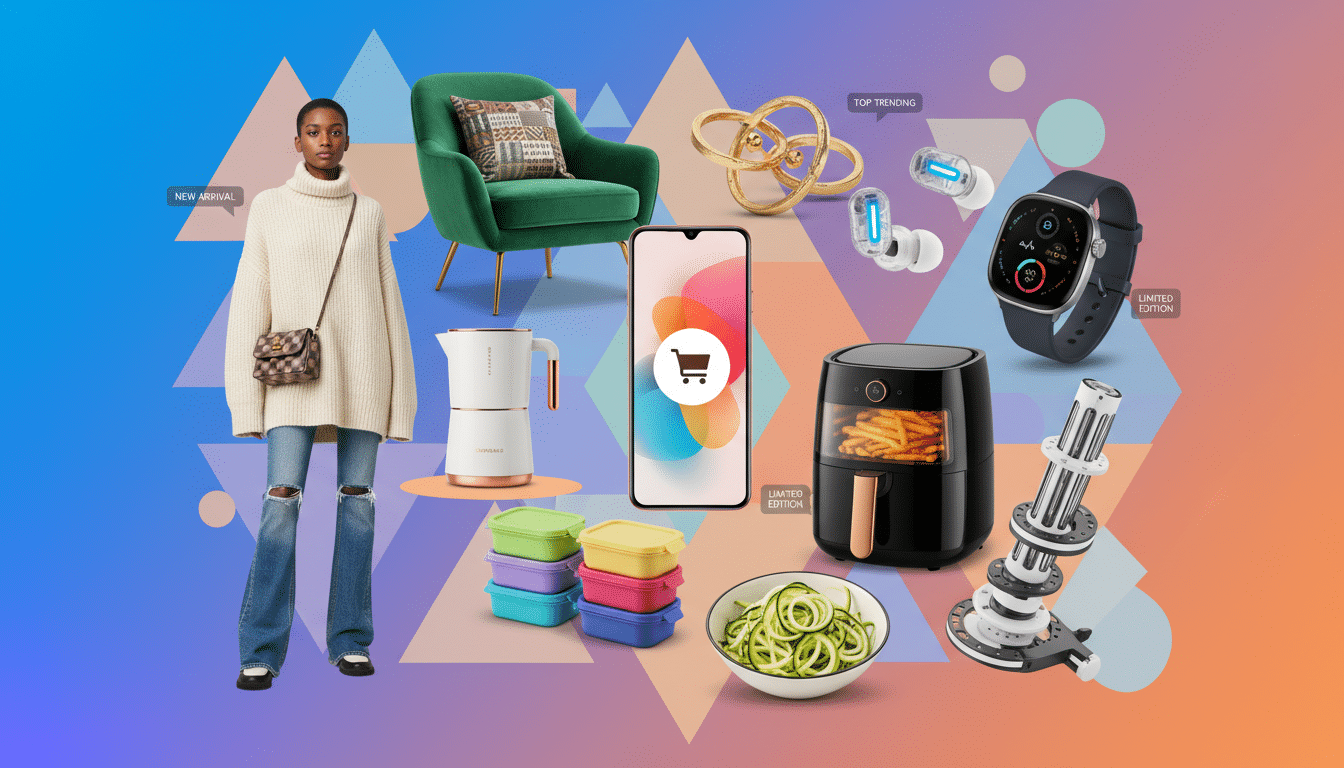
Product categories are groups that shopping apps use to organize similar items like clothing, shoes, and accessories.
These categories help users quickly scan and filter products on small screens. This is important in mobile shopping where attention is short and swipes are frequent.
Clear ecommerce categories help shoppers find product types fast. Labels that use everyday language, like jeans instead of denim, reduce friction and encourage clicks or adds to cart.
From the merchant side, categories organize the catalog and support search and recommendation engines.
Anúncios
Consistent categories support pricing decisions and promotional placement across feeds and inventory systems.
Good category design boosts business results. It lowers time-to-first-click and raises conversion rates.
Poor categorization causes more user confusion, higher exit rates, and more support questions.
Quick actions: review your app’s top-level categories. Test category names with real users and check analytics for pages with high exits.
Key Takeaways
- Product categories organize items and speed up mobile shopping discovery.
- Use user-friendly names for ecommerce categories to reduce friction.
- Clear categories help search, recommendations, and inventory management.
- Well-designed categories improve time-to-first-click and conversions.
- Audit top-level categories and review analytics for high-exit pages.
Product categories
Clear product categories guide shoppers through apps with confidence. Short labels reduce choices and make browsing fast. This is key for fashion shoppers on the go.
Why clear product categorization matters in shopping apps
Good categorization lowers cognitive load so users scan instead of read. This speeds journeys on small screens. It fits thumb-friendly navigation patterns.
Consistent placement builds trust. It helps users know where to look next.
How categories influence discoverability and conversion rates
Categories boost search suggestions and autocomplete. This raises discoverability immediately. Accurate groups make filters more effective.
Shoppers find the right size, color, or style faster. Targeted promotions tied to categories reach relevant buyers. This can lift conversion rates.
Common categorization mistakes and how to avoid them
- Overlapping categories cause duplicate listings and confusion. Use strict rules and assign one main category per product.
- Too many top-level options overwhelm mobile users. Limit top categories to six to eight. Add subcategories for depth.
- Misnamed categories fail if shoppers use different words. Test user language and analyze in-app searches to match shopper words.
- Ignoring analytics leaves problems hidden. Use click rates and exit paths to refine categories step by step.
Market leaders focus on shopper language and iterative testing. They measure funnel drops, tune labels, and keep category trees slim. This protects discoverability and steady conversion rates.
Top ecommerce categories to include in your app
Choosing the right mix of categories helps users find items quickly. Good product categories guide browsing and boost conversions. They make shopping apps feel effortless on mobile.
Essential categories for general marketplaces
- Core wardrobe groups: tops, bottoms, outerwear, dresses, footwear, accessories for smooth browsing of product types.
- Beauty and self-care: skincare, makeup, haircare, and tools that match frequent reorder behavior.
- Active and loungewear: leggings, sports bras, hoodies—popular product types for everyday wear.
- Functional sections: new arrivals and sale areas to highlight fresh inventory and discounts.
Niche categories that drive repeat purchases
- Sustainable and ethically made items that build trust and encourage recurring visits.
- Targeted fits like petite and plus-size create loyalty through relevant options.
- Limited drops and collaborations create urgency and prompt frequent check-ins.
- Accessories grouped by style—minimal, vintage, streetwear—make cross-sells easier.
Seasonal and trending categories to monitor
- Warm-season items: swim and festival wear spike on social platforms.
- Cold-season essentials: outerwear and layering pieces get higher-intent searches.
- Event-driven groups: back-to-school, holiday party, and active season categories match calendar moments.
- Microtrends like Y2K, cottagecore, and athleisure need quick updates to trending categories.
Track search queries and social signals to spot product category shifts. Create temporary landing pages for fast-moving trends. Retire pages when interest falls.
Designing category navigation for mobile shopping apps
Good category navigation makes browsing feel easy on a phone. This short guide covers practical layout choices.
It also explains smart search and small UI touches that improve mobile UX for fashion shoppers.
Best practices for menu layout and search integration
Keep the top-level menu to six to eight labels that match how users speak. Use clear icons with short labels.
This helps users scan faster on small screens.
Place a persistent search bar at the top. Include category-aware autocomplete.
Offer quick-access chips on the home screen for popular product categories. This speeds discovery.
Using filters and facets to refine product types
Prioritize mobile-friendly filters like size, color, price, fit, and brand. Show active filters clearly.
Let users clear filters with one tap. Use progressive disclosure by showing top facets first with a “More” option to expand.
Avoid duplicate facets that map to the same attribute. This prevents confusion.
Microinteractions and visual cues for better UX
Add subtle animations for category expansion and filter application. Actions feel confirmed without slowing the app.
Use thumbnails and curated hero banners to guide users toward trending product types.
Show sample product tiles under each category to set expectations. Make tap targets large enough for thumbs.
Optimize assets to load fast on mobile networks.
- Track time to first product view to spot friction.
- Measure filter usage rates to refine available facets.
- Watch abandonment at category landing pages for quick fixes.
Optimizing category pages for search and engagement
Well-crafted category pages improve both discoverability and shopper trust. A clear layout helps users scan product categories on mobile and desktop.
Focused on-page SEO makes listings easier to find in search results.
On-page SEO elements for category listings
Use short, keyword-focused titles that reflect shopper intent, like “Summer Dresses” or “Everyday Sneakers.” Keep the opening copy scannable and helpful to speed decisions.
- Place a single clear heading and one short paragraph under it.
- Optimize product images for mobile, prefer WebP, and add descriptive alt text.
- Limit bulky text; use bullets for features, sizes, and popular filters.
Metadata, schema, and internal linking strategies
Write distinct meta titles and snippets for each ecommerce categories page to show the product mix and buyer intent. Use structured data like schema.org ItemList to describe the listing for search engines.
- Apply canonical tags for sorted or filtered views to avoid duplicate indexing.
- Link to related category pages, bestsellers, and curated collections to guide navigation.
- Keep metadata concise and aligned with visible page copy.
Content ideas for category pages to boost relevance
Short, useful content increases time on page and adds topical signals for category pages. Keep each block bite-sized to fit mobile screens.
- Quick buying guides that answer fit and fabric questions.
- Curated lists such as staff picks or trending items from social feeds.
- User reviews and photos to show real use and fresh content.
- Mini FAQs about sizing, returns, and shipping for that product group.
When content, metadata, and internal links work together, product categories become a stronger entry point for shoppers.
A steady mix of editorial copy and user-generated content keeps category pages relevant and practical for buyers.
Personalization and recommendations by product types
Personalization makes shopping apps feel smarter and more useful. This section shows how tailored suggestions change user views in product categories.
It also explains how teams can measure what works best for users.
How personalization tailors category suggestions
Use simple behavioral signals like past views, purchases, and saved items to reorder category chips and landing banners.
Dayparting can show activewear during morning and evening times when users often work out.
Keep controls clear and privacy-first so users can turn personalization on or off in settings.
Algorithmic recommendations vs. curated collections
Algorithms scale well for showing similar items and “people also bought” panels across many products.
Curated collections add human voice and themes, like a styled edit for a date-night look.
Use algorithms for scale and curated picks for inspiration to get the best results.
Measuring effectiveness with A/B testing and analytics
- A/B test category ordering, recommendation widgets, and curated banners to find which layouts lift engagement.
- Track click-through rate, add-to-cart, conversion, and repeat visits to evaluate impact on product categories.
- Run cohort analysis to measure long-term lift from personalization and tailor recommendations to user segments.
Practical tips: surface an “Because you liked…” module and compare it with a generic bestsellers panel.
Small changes in recommendations often improve key metrics more than broader redesigns.
Managing inventory and taxonomy across shopping apps
Good taxonomy keeps product discovery fast and stock accurate in shopping apps. A clear structure helps teams tag items, reduces mismatches, and eases inventory management.
Below are practical steps to build and keep that structure usable at scale.
Creating a scalable product taxonomy
- Start with a flat, user-centered top level. Then add attribute-driven subcategories for size, color, and material.
- Define mandatory attributes such as size, color, material, brand, fit, and care instructions for every sku.
- Keep a single source of truth for category IDs to ensure consistency across product feeds.
- Version the taxonomy and document naming conventions to guide tagging during onboarding.
Syncing categories across channels and suppliers
- Map supplier catalogs to the app taxonomy using normalized attribute fields to avoid misclassification.
- Use middleware or a PIM to transform incoming feeds into the app’s schema before publishing live.
- Schedule regular audits to spot mismatches and low-quality listings that hurt discoverability.
Tools and platforms for taxonomy management
- PIM platforms centralize product data and help maintain consistent ecommerce categories across teams.
- Headless commerce and content management solutions display product categories flexibly on app and web.
- Integrate inventory and order management systems so stock status and category availability stay aligned.
Operational discipline matters. Train teams to tag consistently and run audits often to keep taxonomy lean.
Reliable taxonomy improves shopping app performance for shoppers and merchandisers alike.
Conclusion
Clear product categories are the backbone of fast, trustworthy shopping apps. When ecommerce categories match how people search, shopping becomes smoother.
Conversion rates improve when product types use everyday language, not internal codes.
Start with a short audit of top-level labels. Align these labels with user terms for better clarity.
Add filters and small microinteractions to help users narrow results on small screens. This improves ease of use.
Blend personalization with curated collections to keep discovery fresh. Avoid overwhelming the shopper with too many choices.
Manage taxonomy actively using a PIM or a similar system. Schedule regular audits to keep categories consistent across channels.
Test small changes, measure clicks and conversion, and iterate based on real results. This helps improve the shopping experience.
Keep descriptions short, visuals fast, and language familiar to mobile shoppers. Try one tweak this week.
Track its impact on product categories and product types. Refine your approach based on what you learn.
Content created with the help of Artificial Intelligence.